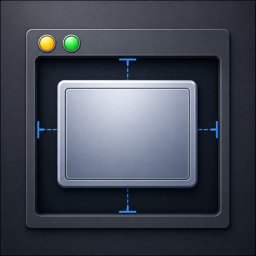
Center instantly
Left-click the yellow button and the window snaps to the horizontal center of the display it lives on.
Traffic Lights is a tiny native menu bar app that turns the red, yellow and green window buttons into instant window controls — center, fill and hide, all with a single click.
Every feature lives where you already click — the buttons in the corner of every window.
Left-click the yellow button and the window snaps to the horizontal center of the display it lives on.
Left-click the green button to fill the screen using the margins you choose — set them per display.
Opt-in: the red button hides the whole app (like ⌘H) instead of closing — and only when the window can actually be minimized.
Hold ⌘, ⌥, ⌃ or ⇧ while clicking to get macOS's built-in behavior — like ⌥-click to act on every window.
Add apps to an exclude list and Traffic Lights leaves their buttons completely alone — they keep their normal macOS behavior.
Set different margins for each screen. Your choices are remembered per display and per monitor arrangement.
Flip one switch and Traffic Lights is ready the moment you sign in. No login items to wrangle.
Built-in updates via Sparkle: new versions are checked in the background, and you can update any time from the menu bar.
No window. No dock icon. Just a quiet helper in your menu bar.
Drag Traffic Lights into your Applications folder and launch it. It tucks itself into the menu bar.
Allow Accessibility access once so the app can move and resize the windows you click on.
Center, fill or hide from the buttons you already use a hundred times a day.